
Skip to content

SAP Business One for Purchasing & Inventory

With SAP Business One, you can integrate purchasing, supplier management, inventory management, and goods movements into a single, centralized ERP system. From purchase requisitions through orders and goods receipts to inventory control, every step of the process operates on a shared database.

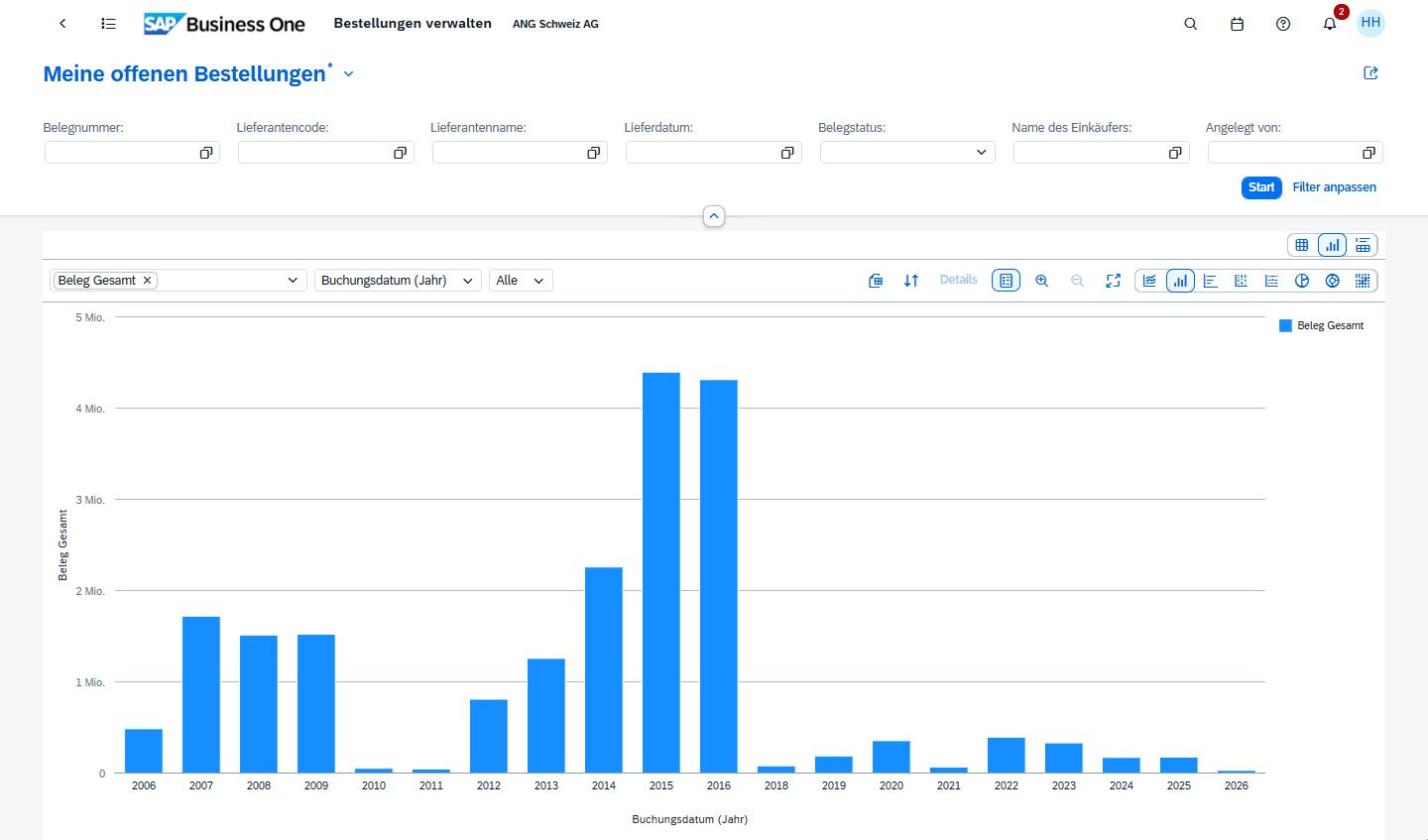
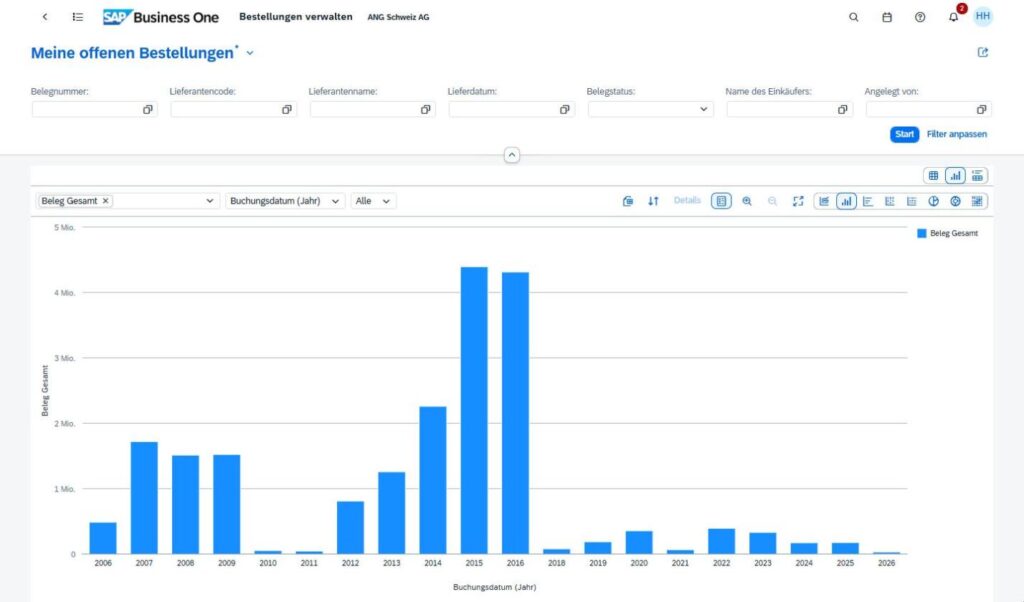
SAP Business One Einkauf 08 Einkaufsvolumen Analyse ANG | ANG
  • Home page
  • /
  • SAP Business One Purchasing & Inventory

SAP Business One Purchasing & Inventory

Manage procurement. Plan inventory strategically.

SAP Business One integrates purchasing, warehousing, and inventory management into a single, end-to-end ERP process. Demand, suppliers, purchase orders, goods receipts, and inventory levels all draw from a shared database. This allows you to identify early on what is needed, which orders are pending, and what quantities are currently available.
Identify Needs Early

Identify material and procurement needs based on current inventory levels, open purchase orders, and planned requirements.

Centrally Manage Procurement

Manage requests, orders, and goods receipts centrally and keep track of open procurement processes at all times.

Integrating Purchasing and Inventory

Integrate procurement and inventory management so that orders, goods receipts, and available quantities are consolidated into a single database.

Maintain Transparency in Inventory

Keep a centralized view of inventory levels, available quantities, and goods movements, and identify changes early on.

From Demand to Inventory

SAP Business One integrates purchasing, inventory, and finance within a single, end-to-end process chain. Information does not need to be transferred multiple times between different applications; instead, it is centrally available to the relevant business units.
  • Needs

  • Request for Requirements

  • Order

  • Goods Received

  • Inventory

  • Invoice

  • Payment

Learn About Purchasing and Inventory Management Features

SUPPLIERS & PROCUREMENT

Centrally Manage Supplier and Purchasing Information

With SAP Business One, you can consolidate suppliers, items, and relevant purchasing information into a single database. This ensures that important information for procurement decisions is available right where it’s needed.
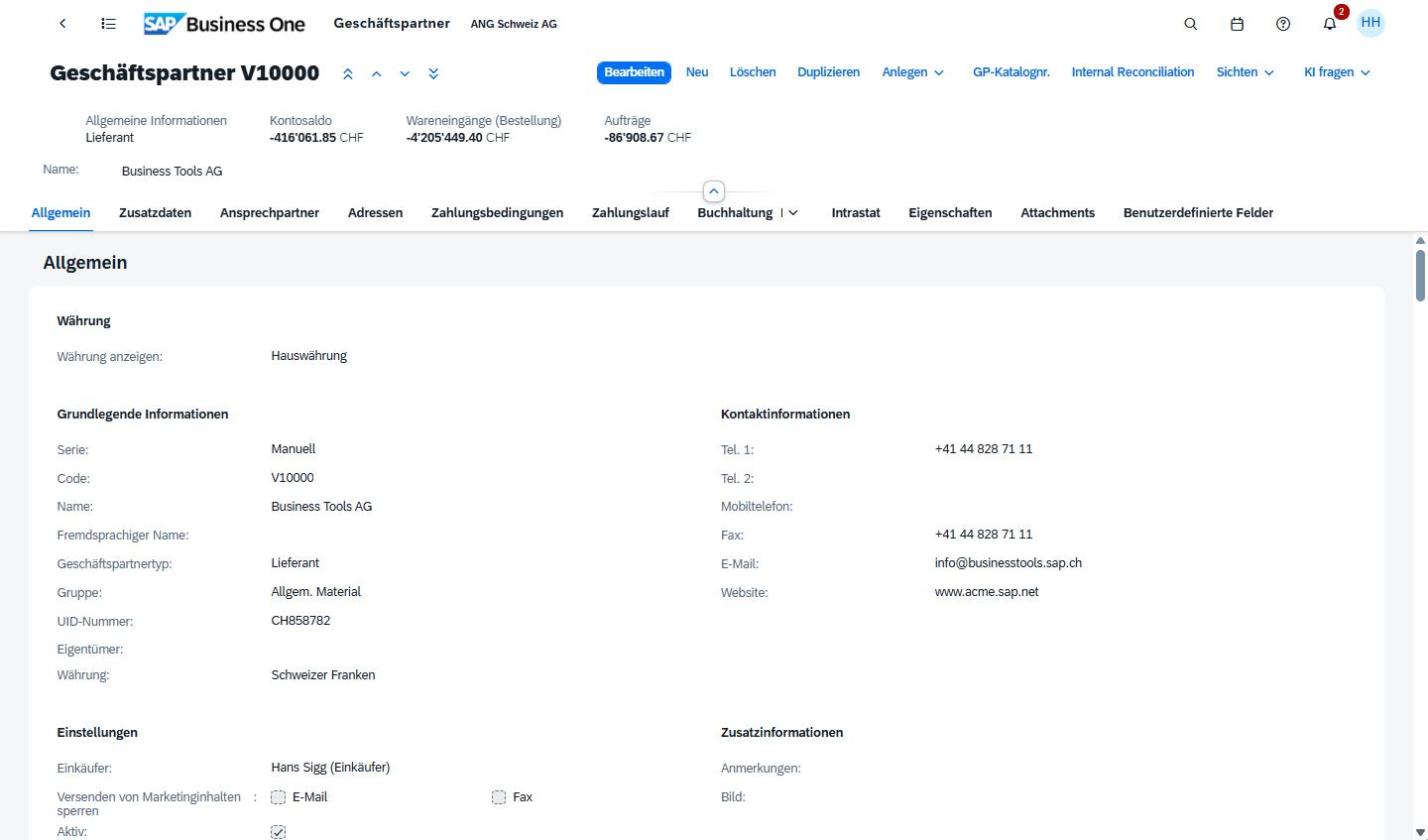
Manage Supplier Data
Centralize relevant information about your suppliers in SAP Business One.
Maintain Purchasing Information
Manage item-specific purchasing information, prices, and other relevant master data.
Compare Offers
Use purchasing information and analyses to better compare quotes and suppliers.
Making Purchasing Transparent
Create a shared information base for suppliers, products, and purchasing processes.

REQUIREMENTS & ORDERS

Manage Procurement Processes in a Structured Manner

With SAP Business One, you can map out key steps in the purchasing process, from internal demand to placing an order. Requests, purchase orders, and downstream purchasing processes remain linked and traceable.
Enter Purchase Requests
Map internal needs in a structured way and establish a clear starting point for your procurement.
Create Orders
Create and manage supplier orders directly in SAP Business One.
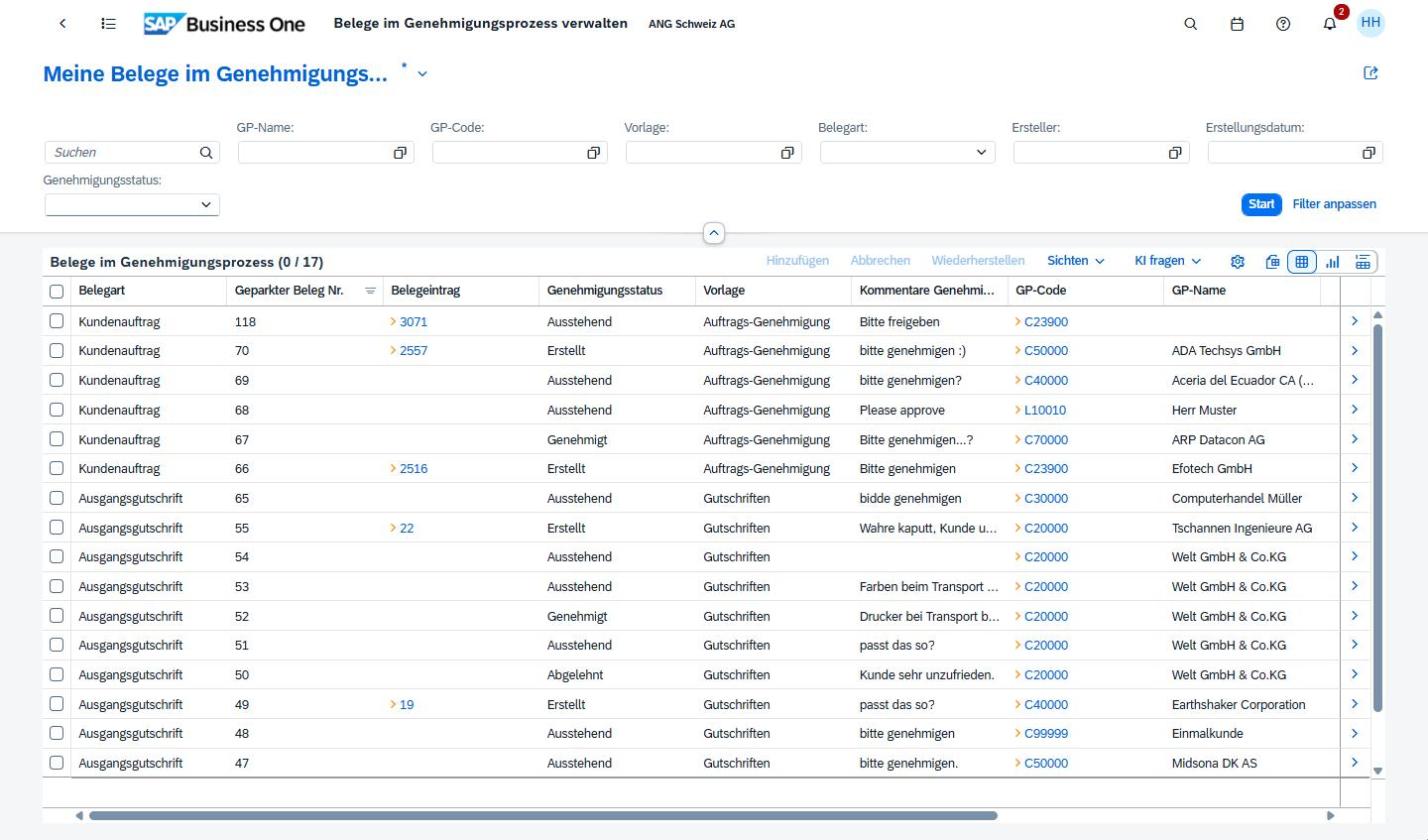
Integrate Permits
Set up review and approval processes that align with your responsibilities and internal purchasing procedures.
Link Purchase Receipts
Link relevant documents and keep a clear, traceable overview of your procurement process.

GOODS RECEIPT & RETURNS

Track inventory movements transparently

With SAP Business One, you can link purchase orders to actual goods receipts. Incoming goods update the relevant inventory information and form the basis for further processing in the warehouse and accounting.
Record Goods Receipts
Document incoming goods centrally and with a direct link to the corresponding order.
Assign Orders
Link goods receipts to purchase orders and other relevant purchasing documents.
Manage Returns
Track returns in a structured manner and ensure that the associated inventory movements are traceable.
Link follow-up processes
Use data from purchase orders and goods receipts directly for inventory, invoicing, and financial processes.

INVENTORY & STOCK

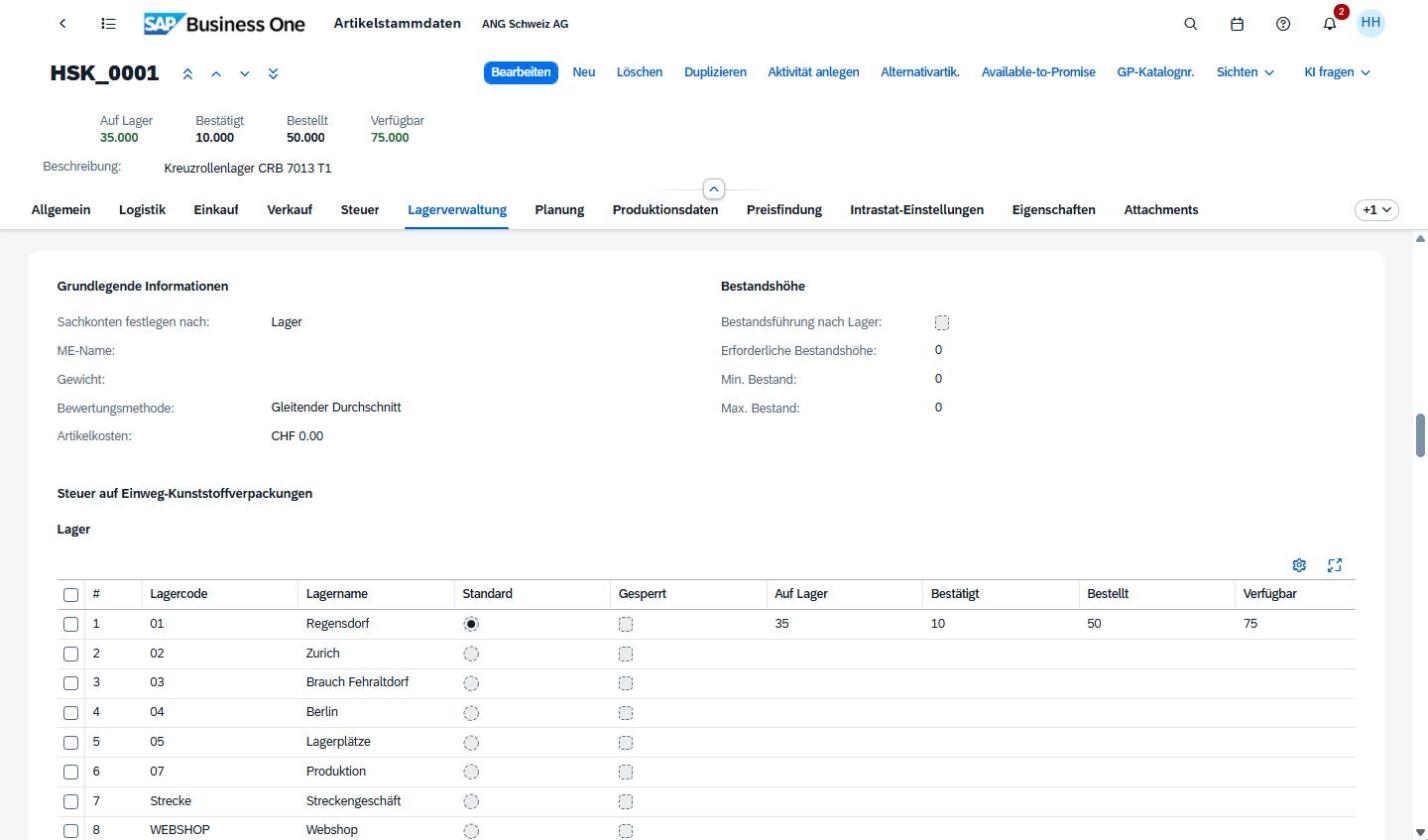
Manage inventory transparently

With SAP Business One, companies can centrally manage inventory levels, goods movements, and product availability within the ERP system. This allows purchasing, sales, and other departments to access a shared information base.
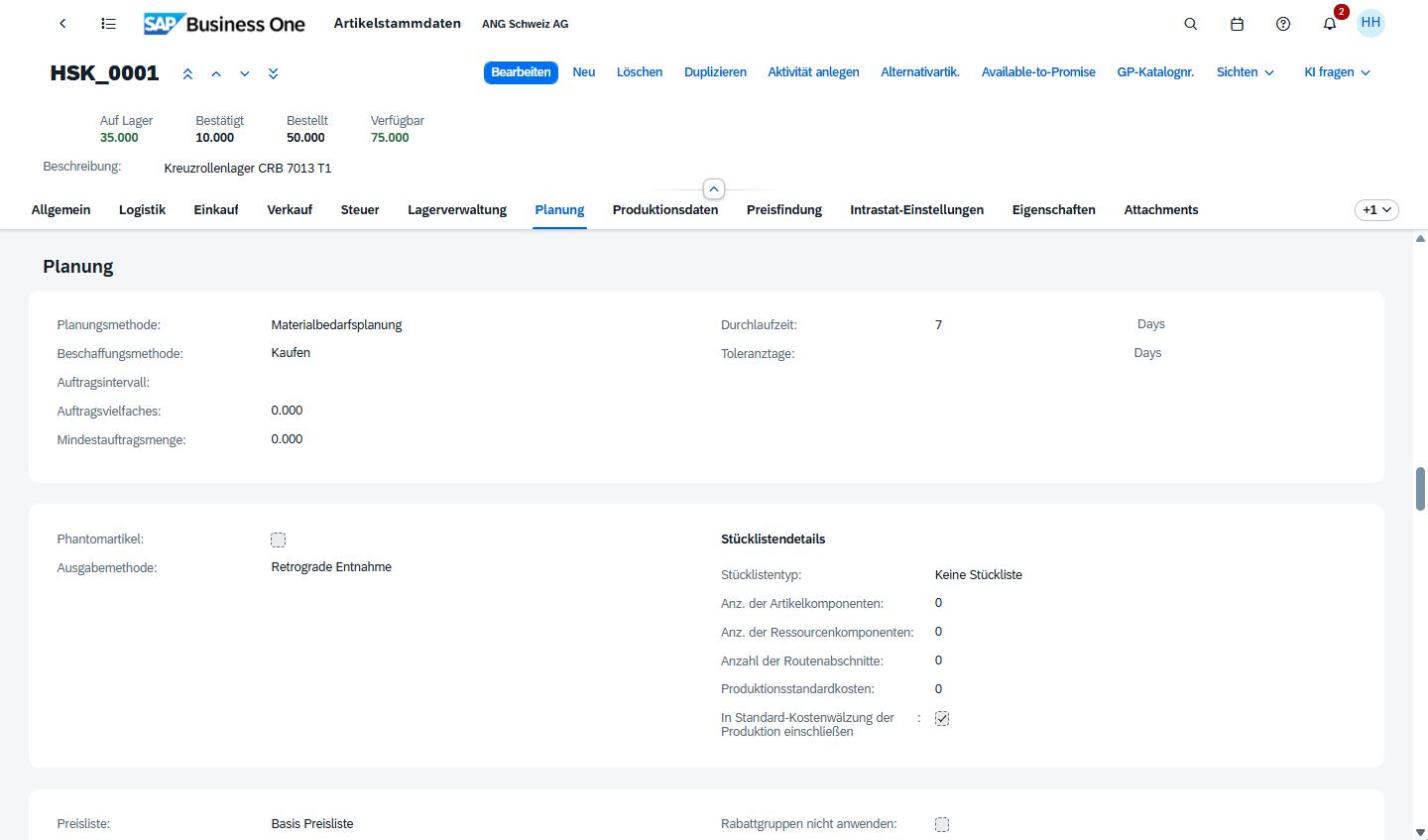
Keep Track of Inventory
Use up-to-date inventory information as the basis for purchasing, sales, and other business areas.
Track the Movement of Goods
Record receipts, issuances, and other inventory movements within the ERP system.
Assess Product Availability
Take current inventory levels and expected shipments into account to better assess the availability of items.
Reducing Excess Inventory and Missing Parts
Create greater transparency for procurement decisions and more needs-based inventory management.

MATERIAL REQUIREMENTS & PLANNING

Identify Needs and Plan Procurement More Effectively

SAP Business One helps companies integrate material requirements, current inventory, and procurement. This enables them to plan necessary purchasing activities early on and better align product availability and inventory with actual demand.
Determine Material Requirements
Use inventory, demand, and planning information to better estimate future material requirements.
Plan for Retirement Benefits
Determine the necessary procurement actions based on current and projected demand.
Identifying Bottlenecks Early
Identify potential stock shortages and take timely action by implementing appropriate procurement measures.
Optimize Inventory Levels
Strive to achieve a better balance between adequate inventory availability and unnecessarily high capital tied up in inventory.

REPORTING & ANALYSIS

Thoroughly Analyze Purchasing and Inventory Data

With SAP Business One, companies can use up-to-date data from purchasing, warehousing, and inventory management for analysis and operational decisions. This allows them to assess trends more transparently and manage procurement and inventory more effectively.
Analyze Purchase Volume
Gain insight into orders, procurement volumes, and purchasing trends.
Compare Suppliers
Use purchasing data to gain a more nuanced understanding of suppliers, prices, and terms.
Analyze Inventory
Identify inventory trends and lay a better foundation for restocking and procurement.
Support decision-making
Combine purchasing, inventory, and corporate data to create a solid foundation for operational management.

AI IN PROCUREMENT & INVENTORY

What if your procurement could think for itself?

SAP Business One provides the data foundation. Building on this foundation, AI and intelligent automation open up new possibilities for processing documents more quickly, providing structured data, and automating recurring purchasing processes.
AN Group KI Header Video Logistik | ANG
ANG KI Siegel Logo mit Slogan transparent | ANG

// FROM REAL-WORLD EXPERIENCE

See how companies grow with SAP

What does integrated inventory management look like in practice? Learn how companies use SAP Business One to integrate purchasing, warehousing, and inventory management into a single database and manage their goods flows with greater transparency.
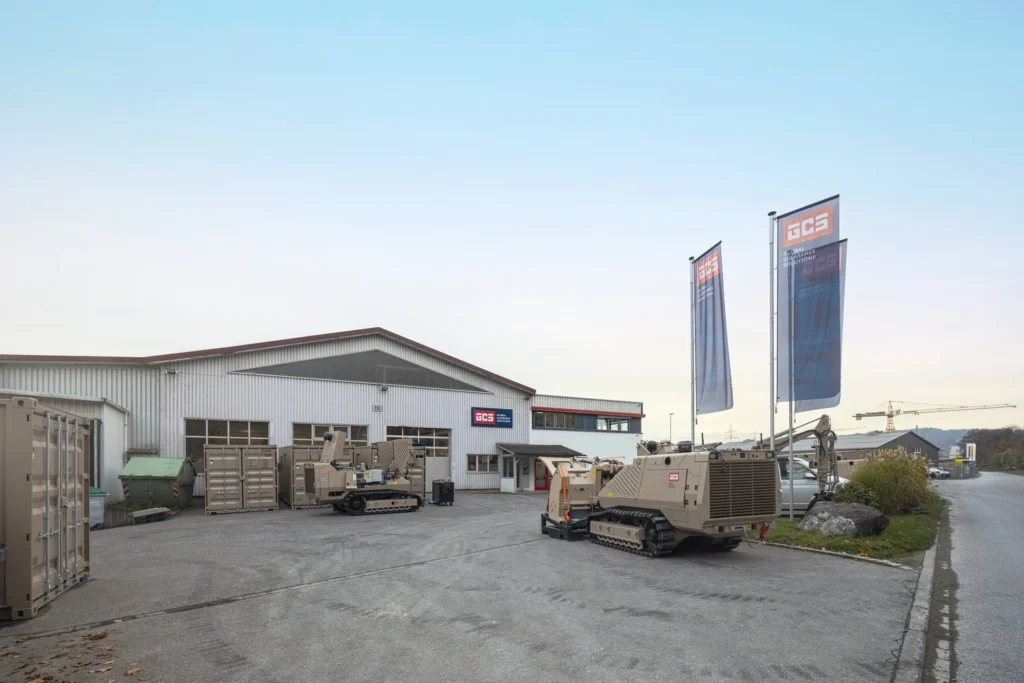
ANG | Haus Global Clearance Solutions AG
Global Clearance Solutions AG: Intelligently Connecting Complex Supply Chains
Global Clearance Solutions is digitizing its project, production, and business processes using SAP Business One. A centralized database ensures transparency throughout the entire value chain.
ANG | Buebchen Products
Bübchen Skincare GmbH: Efficiently Managing Inventory and Procurement
With SAP Business One, Bübchen is laying the foundation for modern purchasing and logistics processes. Inventory, procurement, and company data are managed centrally and made available in real time.
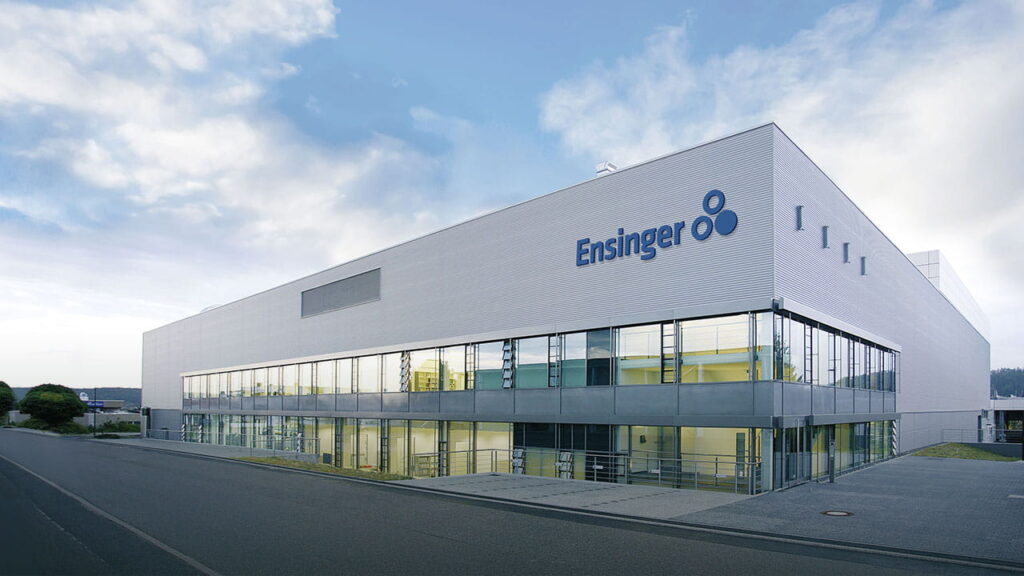
ANG | Ensinger 01
Ensinger Sintimid: End-to-End Processes from Planning to Production
By digitally integrating ERP and document processes, Ensinger Sintimid improves transparency regarding materials, inventory, and business-critical processes throughout the supply chain.
ANG | SAP Platinum Logo

SAP Business One with ANG

SAP Business One Expertise for Processes That Drive Progress

As an SAP Platinum Partner, ANG combines in-depth SAP Business One expertise with a genuine understanding of business processes. Together, we view purchasing and inventory not in isolation, but in conjunction with warehousing, sales, production, finance, and other business functions.

Consulting & Process Design

We analyze your workflows and customize SAP Business One to fit your processes and requirements.

Support & Further Development

We integrate SAP Business One with other systems and automate processes and workflows.

Implementation & Optimization

We implement SAP Business One in a structured manner, optimize your purchasing and inventory processes, and further develop existing solutions in a targeted manner.

Integration & Automation

We provide long-term support for your solution and continue to develop SAP Business One in line with your requirements.

What is an inventory management system?

An inventory management system helps companies centrally manage the flow of goods—from purchasing through warehousing and inventory to further use or sale. This includes, among other things, items, suppliers, purchase orders, goods received, inventory levels, and goods movements.

Modern inventory management goes beyond mere inventory control. Purchasing and warehousing departments access the same information, demand becomes more transparent, and goods movements can be tracked throughout the supply chain.

With SAP Business One, inventory management is an integral part of an integrated ERP system. This enables purchasing, inventory, sales, finance, and other business areas to collaborate based on a shared database.

From Concept to Implementation

Getting More Out of Purchasing and Inventory Management

Expand SAP Business One with solutions for document processing, workflow automation, and system integration. This allows you to reduce manual process steps and connect purchasing, warehousing, and finance even more efficiently.
AI Mail-to-Order
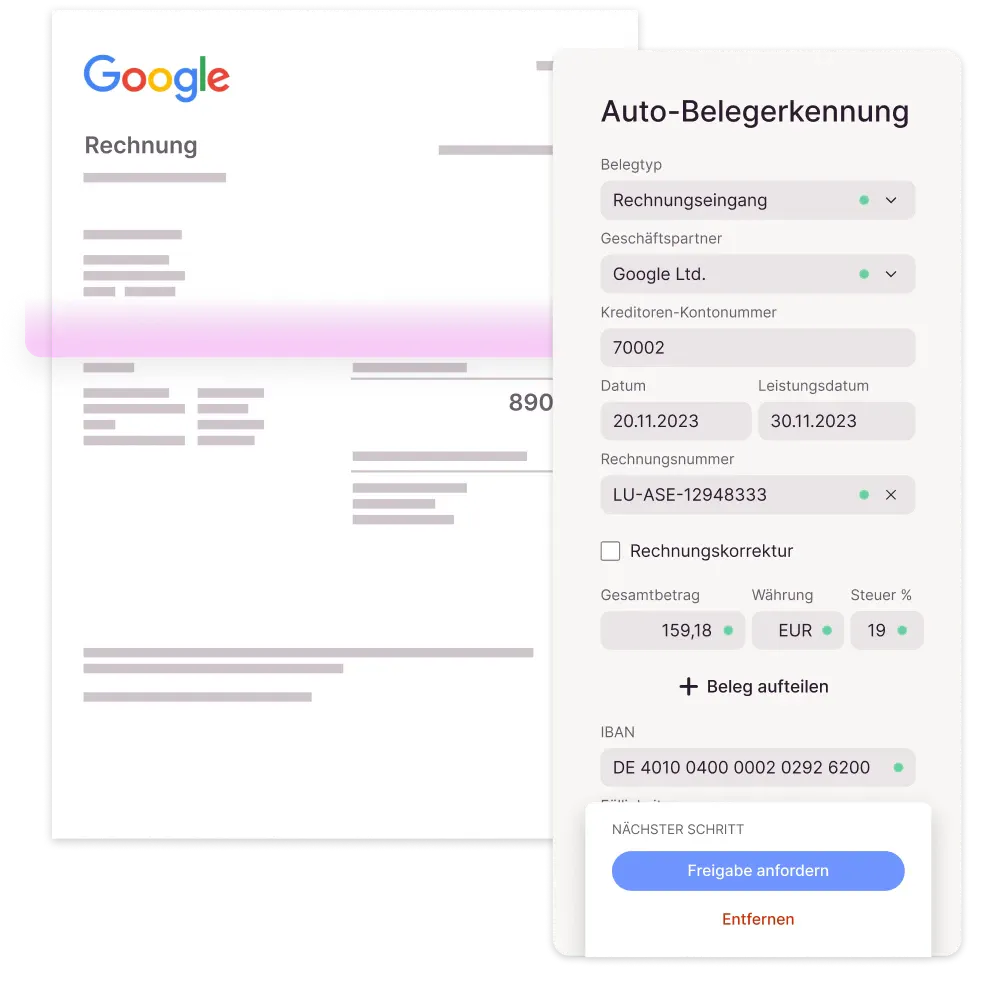
Intelligent Processing of Incoming Invoices
Automatically capture incoming invoices, extract relevant data, and make it available in a structured format in SAP Business One for review, approval, and further processing.
AI Workflow Automation
Intelligently Automate Procurement Processes
Connect SAP Business One with intelligent workflows, AI, and other applications to reduce repetitive manual process steps.
AI for Documents
Intelligent Capture of Purchasing Documents
Automatically recognize invoices, purchase orders, delivery notes, and other purchasing documents; extract relevant information; and make it available in a structured format for downstream processes.
ANG Interface Engine
Connecting purchasing data across systems
Automate the import of order data, master data reconciliation, and the processing of documents between SAP Business One and external systems.
ANG | 001 Alexej on leave e1731680251740

Frequently Asked Questions About SAP Business One Purchasing & Inventory

SAP Business One supports key procurement processes such as purchase requisitions, purchase orders, goods receipts, returns, and other purchasing documents. Suppliers, items, purchasing, inventory, and financial processes can be integrated with each other using a shared database.

Yes. SAP Business One allows you to centrally manage inventory levels, goods movements, and product availability. This ensures that up-to-date inventory information is available to purchasing, sales, and other departments.
SAP Business One is an ERP system that integrates key inventory management functions. These include, among others, purchasing, supplier management, purchase orders, goods receipts, inventory levels, inventory movements, and material requirements planning. At the same time, SAP Business One links these processes with sales, finance, and other business areas.
SAP Business One integrates procurement and inventory processes into a single database. Purchase orders, goods receipts, and the resulting inventory changes remain linked throughout the process chain.

Yes. Orders can be created in SAP Business One and linked to subsequent goods receipts. This makes it easy to track which goods were ordered and which quantities were actually received.

SAP Business One provides centralized access to information on inventory levels, goods movements, and demand. This enables companies to better assess availability, plan procurement activities more effectively, and reduce both stockouts and unnecessarily high inventory levels.
SAP Business One can be enhanced with digital workflows, document processing, and other automation solutions. This makes it possible, for example, to automatically capture information, process documents, and reduce the number of recurring process steps.
SAP Business One is particularly well-suited for small and medium-sized businesses that do not want to manage purchasing, warehousing, merchandise management, and inventory management in isolated systems, but rather want to integrate them with sales, production, finance, and other business processes.

Optimize procurement.
Manage inventory more effectively.

Would you like to streamline your purchasing process, make product availability more transparent, and more closely integrate procurement, warehousing, and inventory management?

Together, we’ll analyze your existing processes and show you how SAP Business One can effectively integrate purchasing and warehousing into your business operations.